Encounter
For training and simulations with clinical encounters.
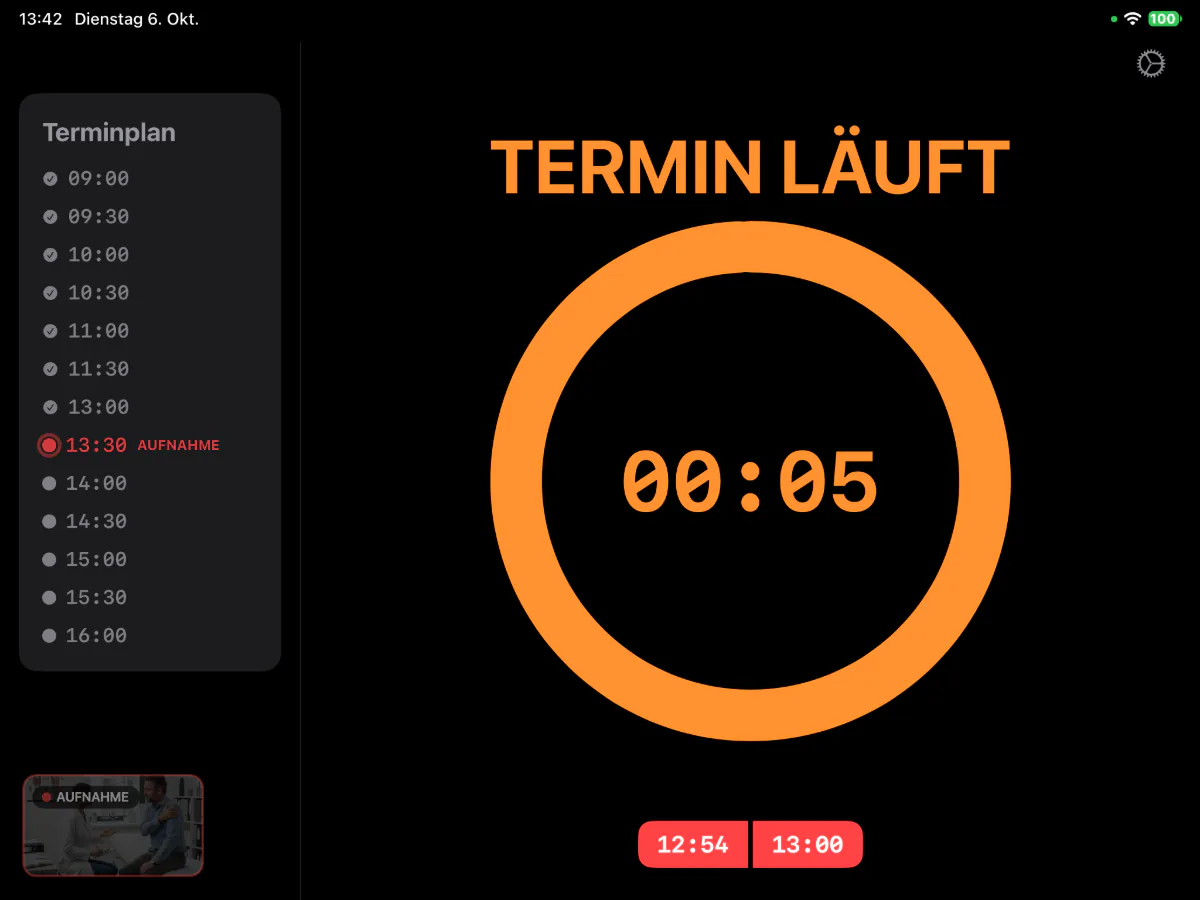
Encounter keeps time for training and simulations with clinical encounters. You plan the sessions in the web app, and every iPad of a zone (a room, for example) shows the same countdown. If you wish, the iPad records each session for review right on the device. As a timer alone, Encounter also suits OSCEs and other practical exams.
- 1 plan
for every iPad of a zone, however many there are
- 4 cues
before the start, at the start, before the end and at the end of each session
- 0 uploads
Recordings, transcripts and assessments stay on the iPad
- Switzerland
The web app and its database run in Switzerland
A joint application of the University of Zurich and the University of St.Gallen. In use at the HSG School of Medicine as part of the Joint Medical Master.


Features
What Encounter does
-
One schedule and one countdown for the whole zone
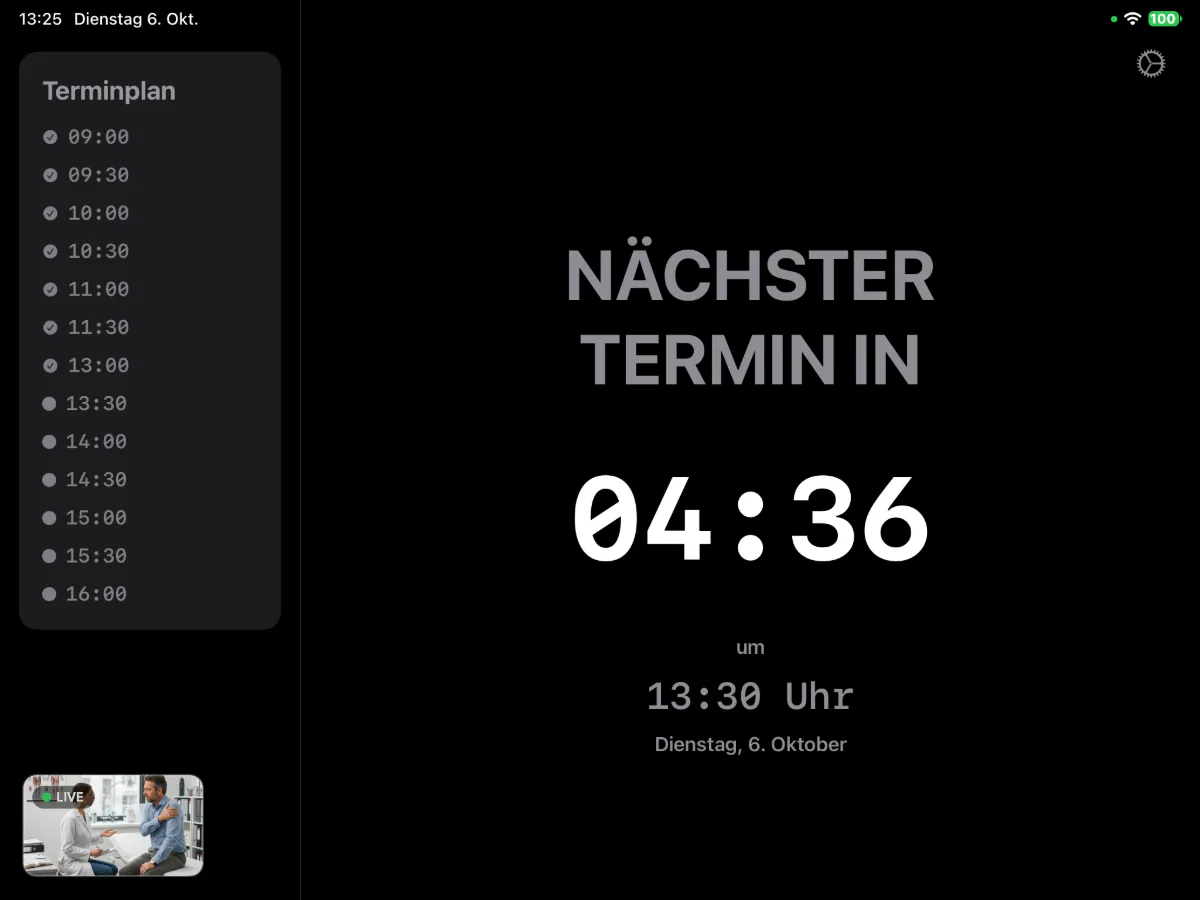
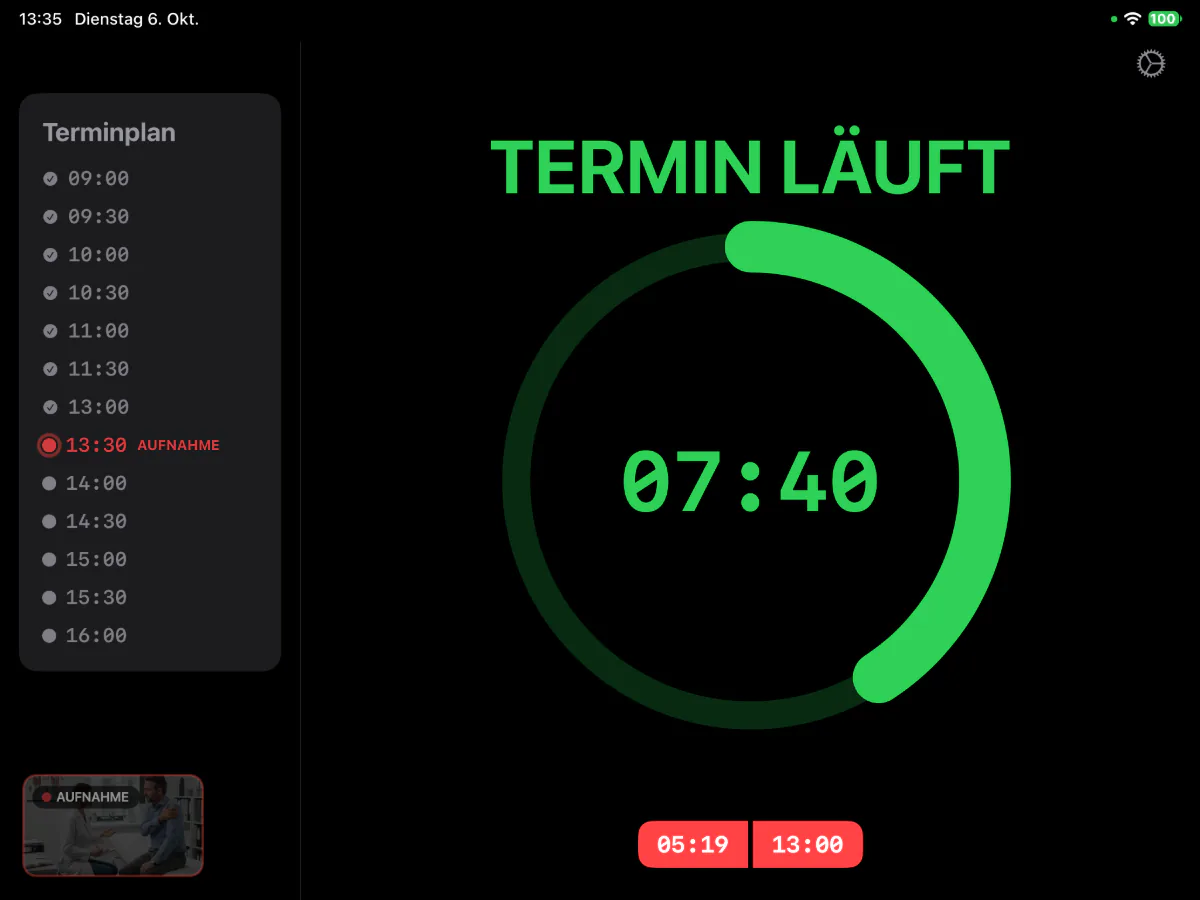
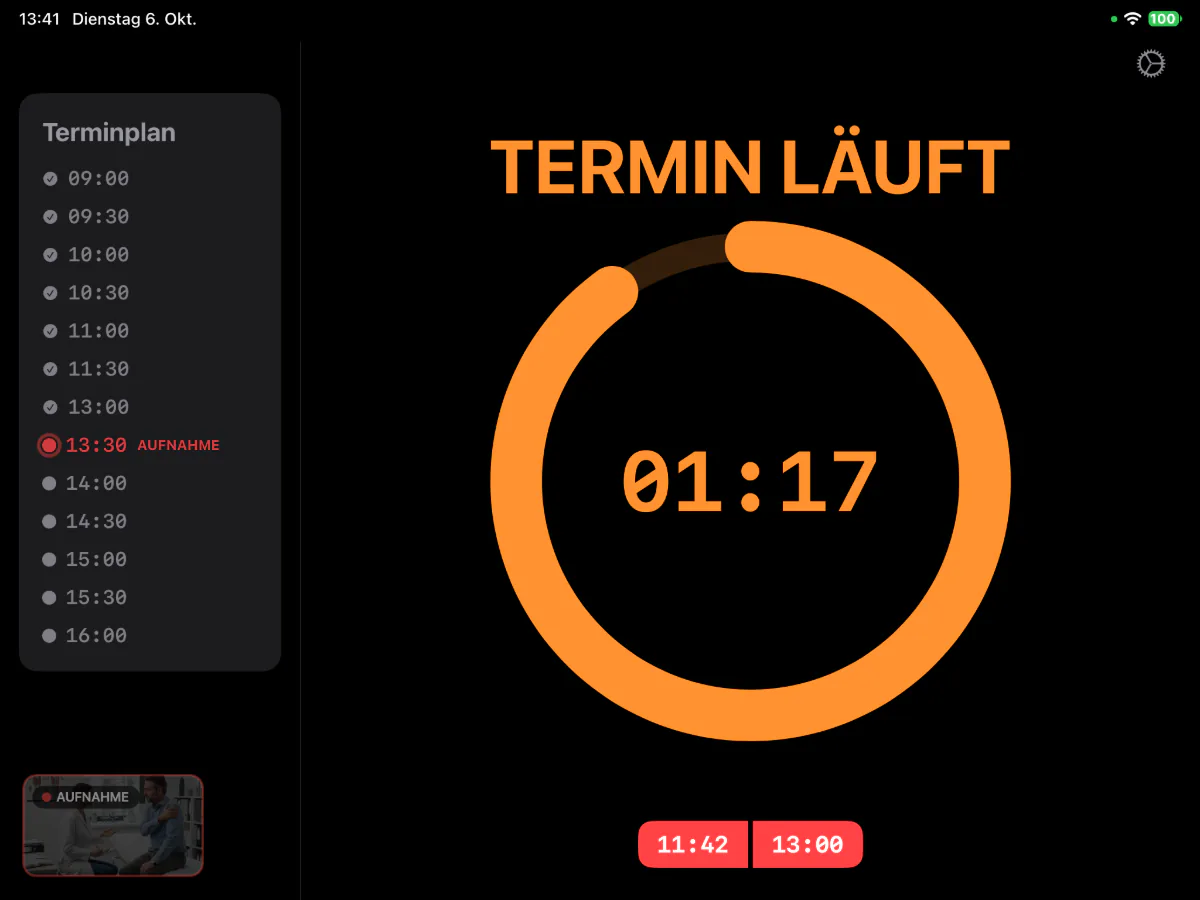
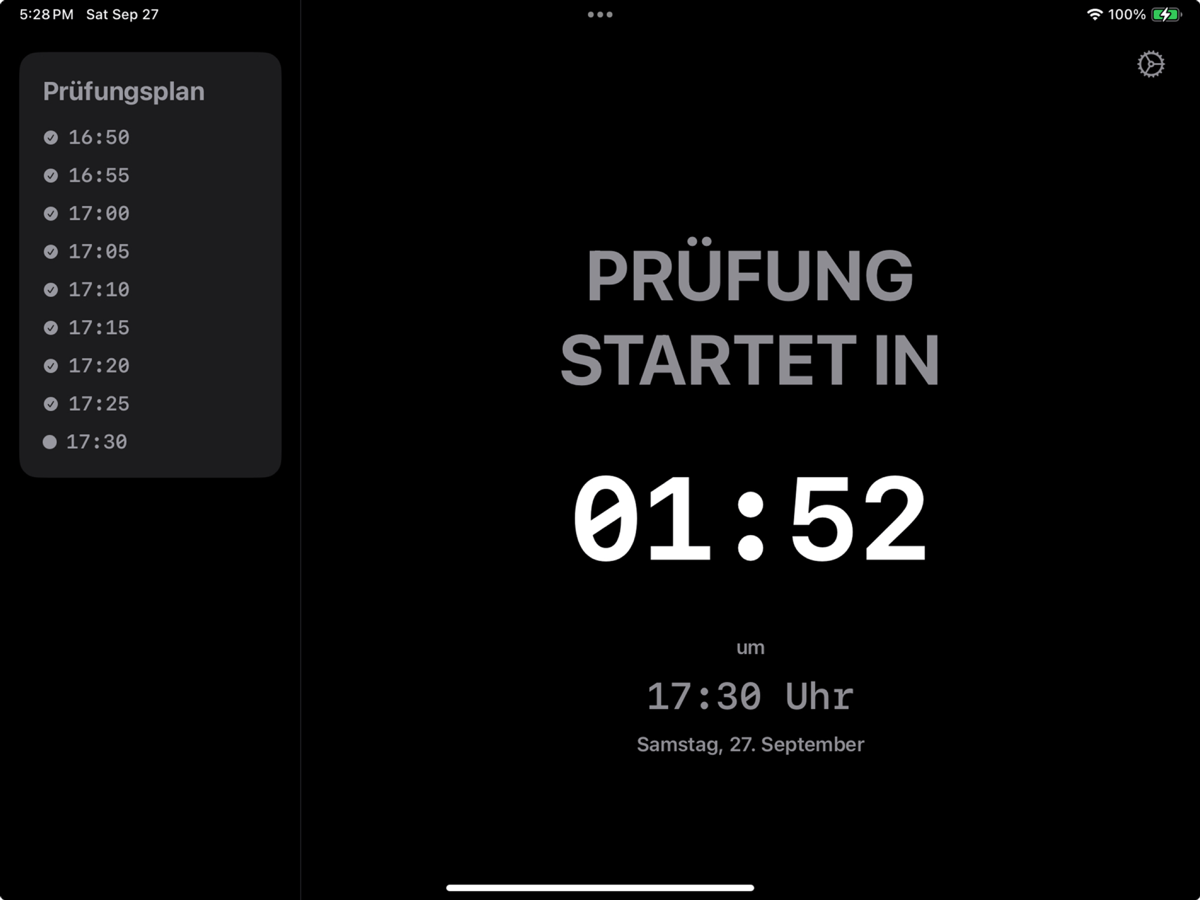
Every iPad of a zone shows the same schedule, and every published change appears at once. A large countdown shows when the next session starts and how much time is left, with sounds before the start, at the start, before the end and at the end.
-
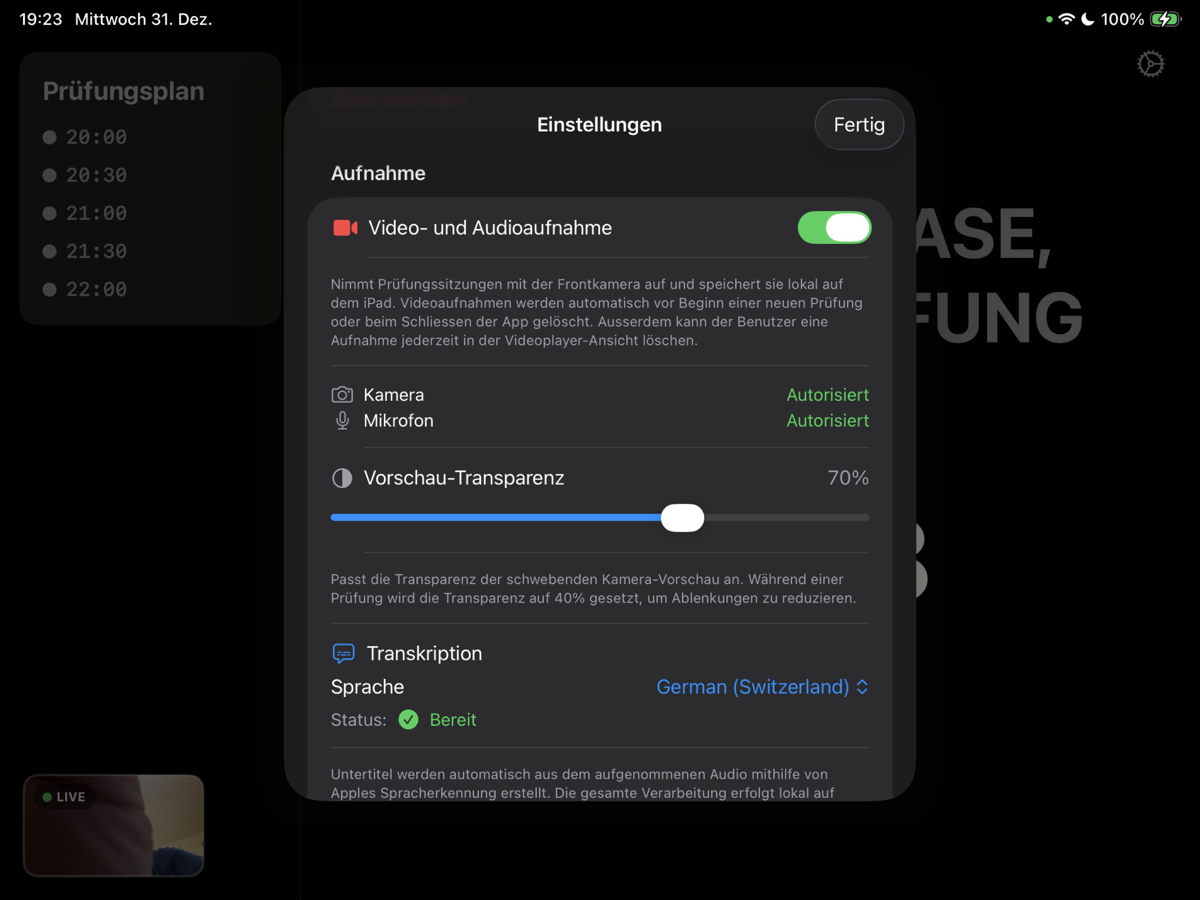
Video feedback: recording, switched on per iPad
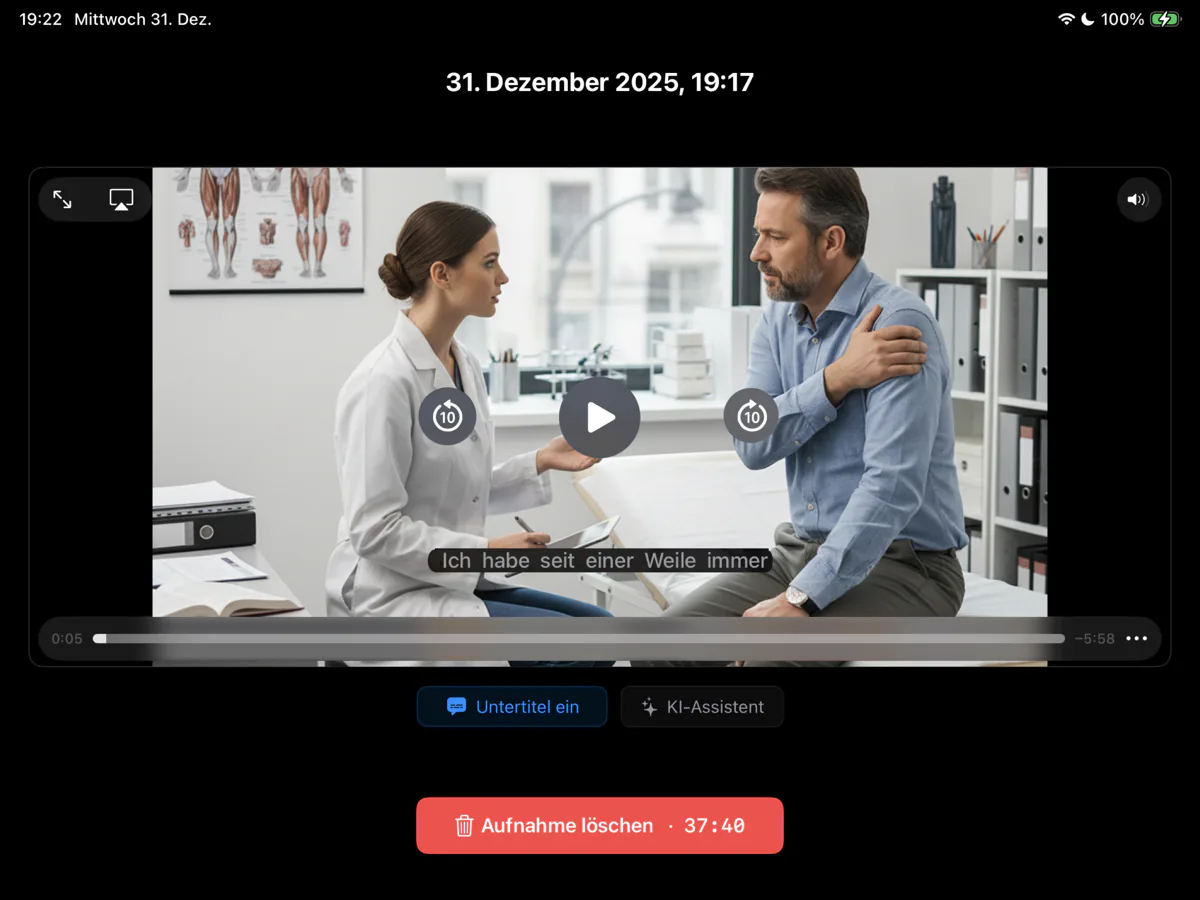
For video feedback in training and simulations, switch recording on in the app’s settings. The iPad then records every session with its front camera and microphone; without recording, it stays a timer alone. A small camera preview helps you position the iPad and shows when a recording is running.
-
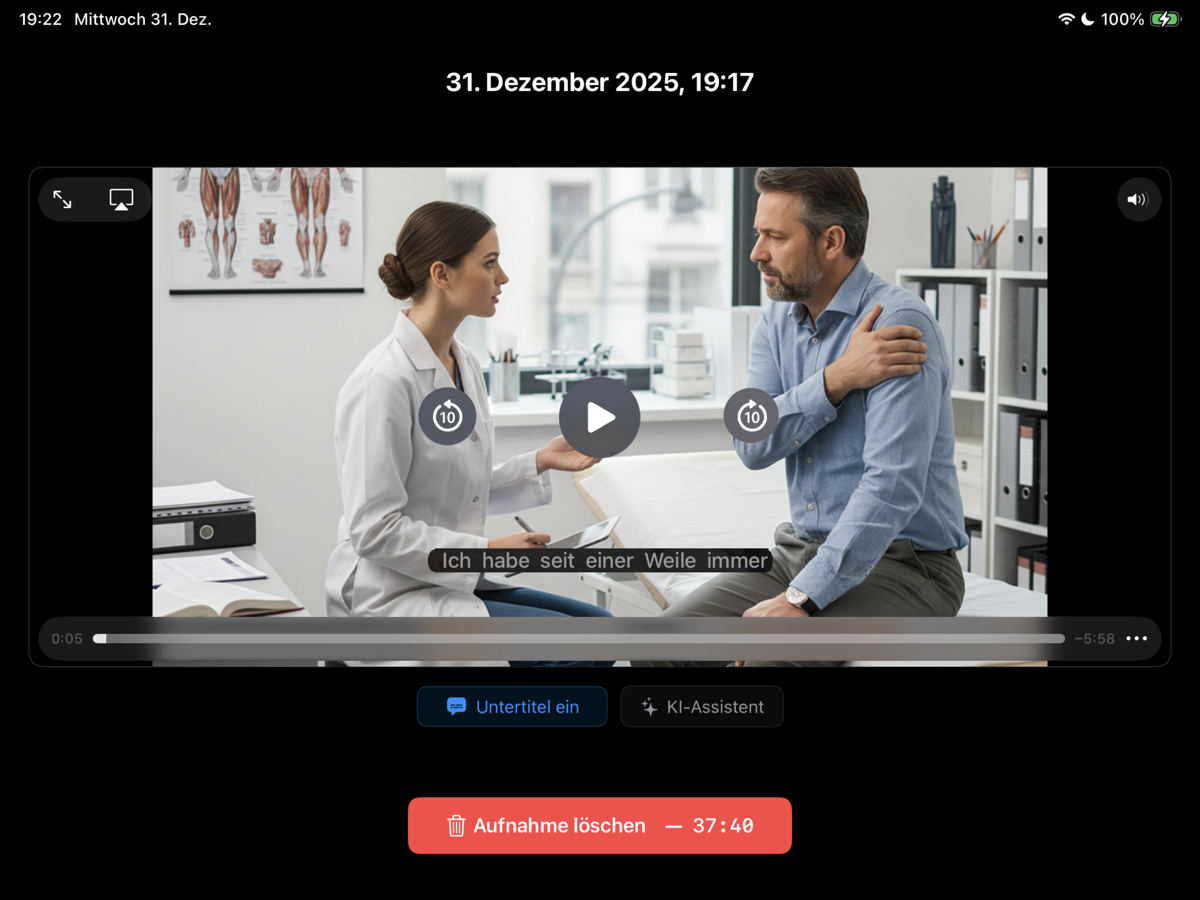
Review with subtitles
After the session, you watch the recording right on the iPad, with subtitles from the transcription. The transcription is created on the iPad as well, in German, English, French or Italian.
-
AI assessment of the working alliance Experimental
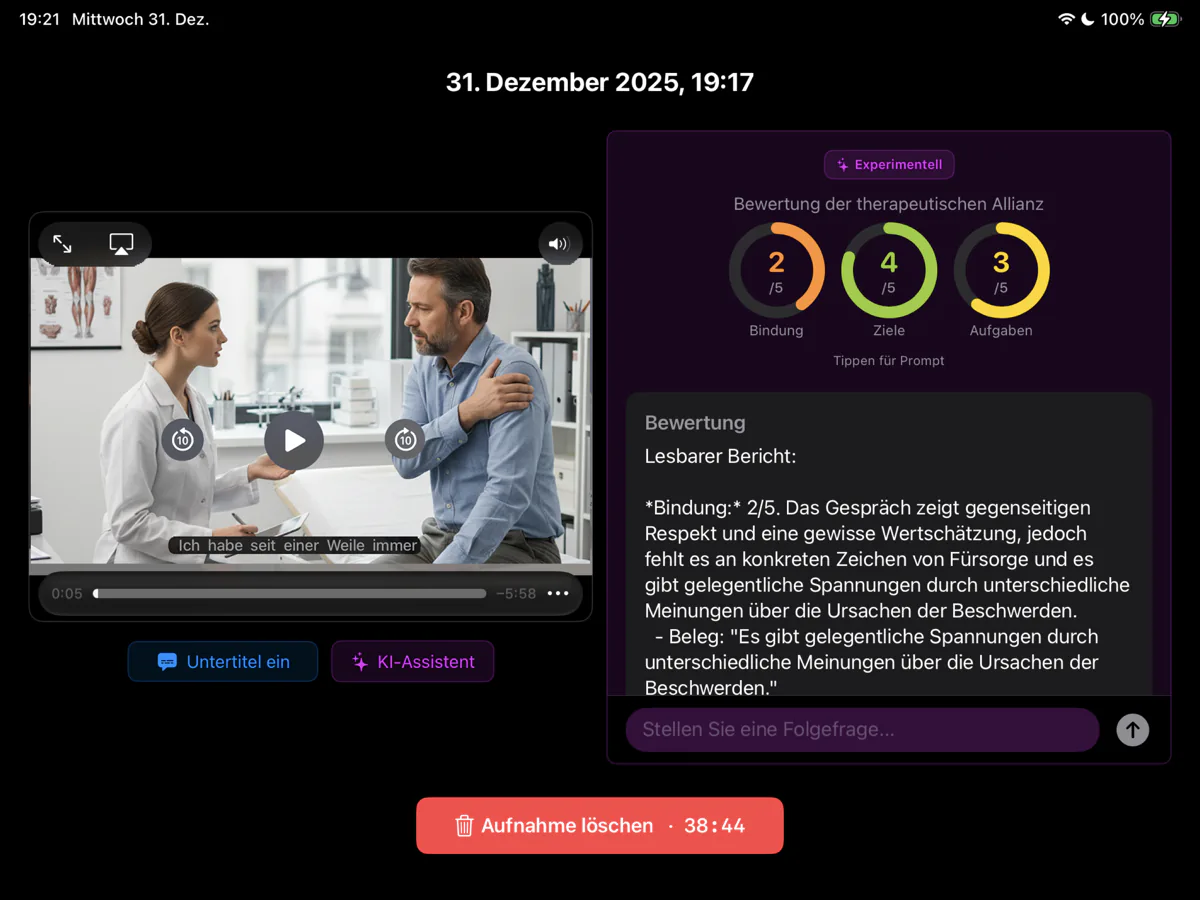
An AI assessment rates bond, goals and tasks, each from 0 to 5, and gives the evidence for each score. It runs on the iPad itself with Apple Intelligence, which must be available and switched on. We welcome your requests, such as an assessment against your own checklist, and build them step by step.
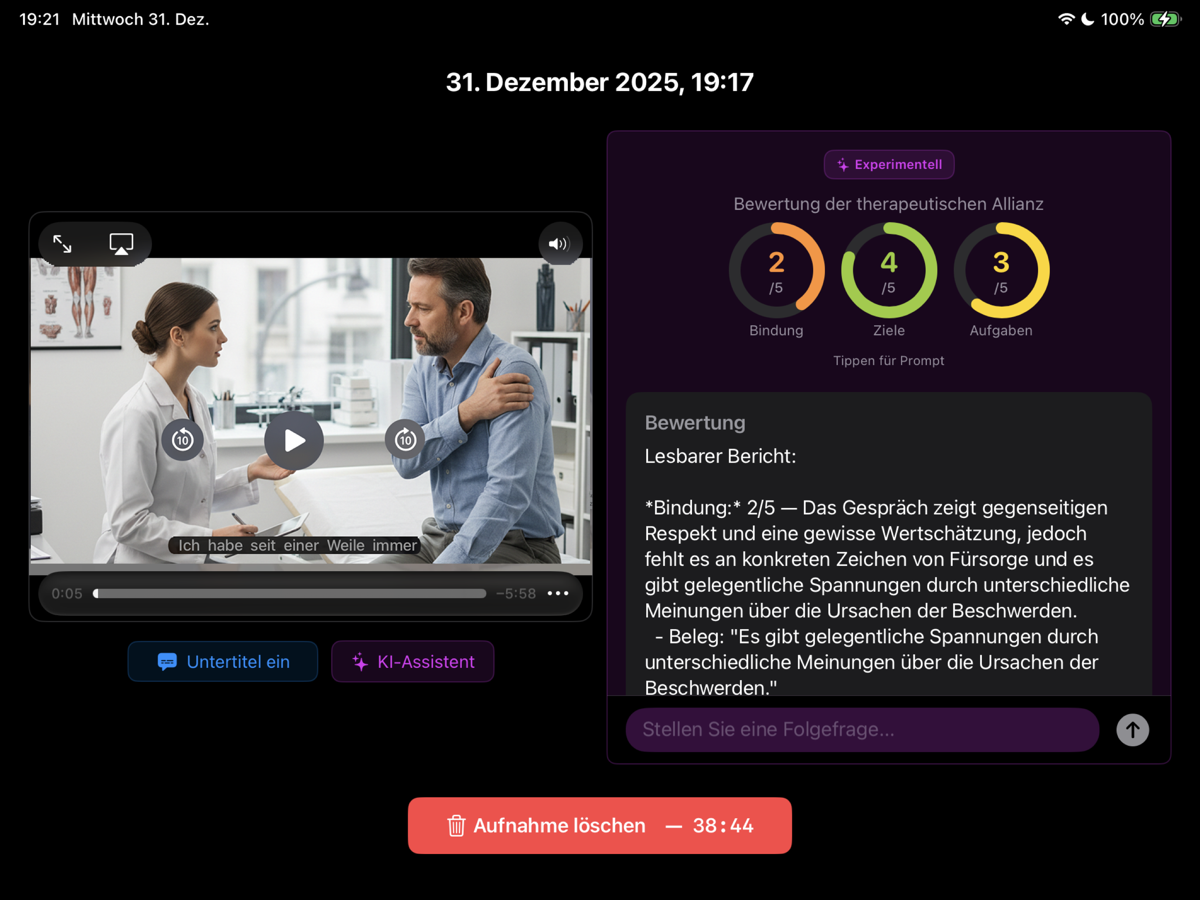
The screenshots show the German user interface. The people in the recordings shown are an AI-generated demo image.
Steps
How it works
-
Plan in the web app
Sign in with a link that you receive by e-mail, no password needed. Then plan the sessions of each zone and publish the schedule.
-
Set up the iPads with the zone code
Open Encounter on the iPad and scan the zone’s QR code, or type its eight-character code, for example K7QF-M2XD. A zone can have as many iPads as you need.
-
Run the sessions
Every iPad of the zone shows the same countdown, with sounds before the start, at the start, before the end and at the end of each session. If you wish, the iPad records each session.
Privacy
Recordings never leave the iPad.
-
Processed on the iPad
Recordings, transcripts and AI assessments are never uploaded: transcription and assessment run on the iPad.
-
Deleted automatically
The app deletes recordings, transcripts and assessments itself as soon as the review is closed, at the latest before the next session.
-
No personal data
Schedules contain no personal data. Each iPad is set up once with the code of its zone.
-
Hosted in Switzerland
The web app and its database run in Switzerland. Staff sign in with a link sent by e-mail, without a password.
-
What the iPad reports
So that the organisation can see its iPads, each iPad reports its app version, iPadOS version, model and last contact.
-
This website
No cookies, no tracking, no ads. The video loads from YouTube only when you play it.
More in the privacy policy.
Team
The team behind Encounter
-

Corinne Baier
Concept, programme coordination, School of Medicine, University of St.Gallen
-

Valdete Abazi
Video feedback concept, evaluation, examinations officer and education management, School of Medicine, University of St.Gallen
-

Tobias Kowatsch
Concept and development, School of Medicine, University of St.Gallen & Institute for Implementation Science in Health Care, University of Zurich
Contact
Encounter for your organisation
Each organisation gets its own site with up to four zones. The site manager adds team members and chooses the zones each of them may plan. The first organisation to use Encounter is the School of Medicine of the University of St.Gallen (HSG).
Would you like to use Encounter for training or simulations? Write to us.
support@